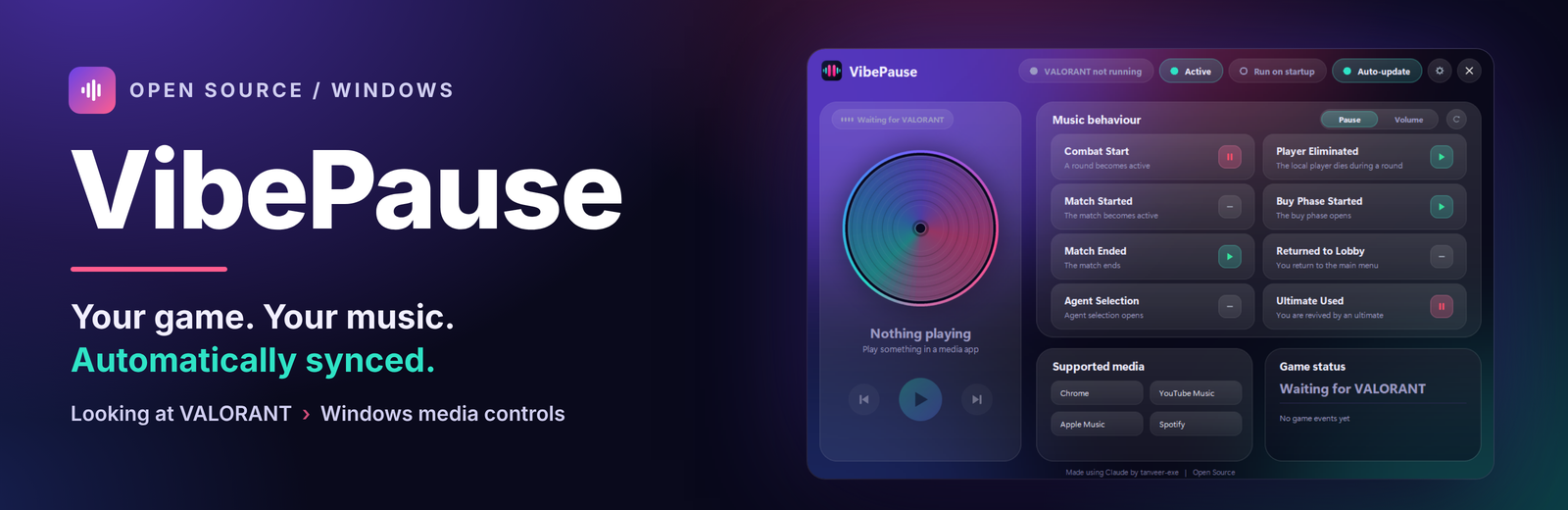
VibePause
A downloadable app for Windows
Your game. Your music. Automatically synced.
Tired of getting fragged mid-song? VibePause pauses your music the second a VALORANT round starts, then brings it back when you die, buy, or head back to the lobby. It runs quietly in your Windows system tray.
FEATURES
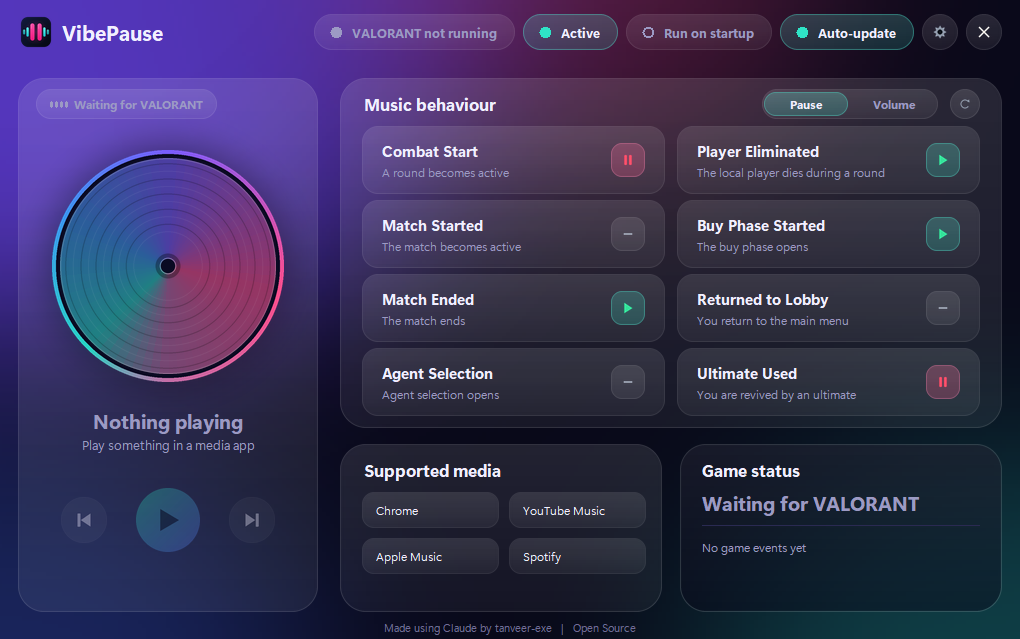
- Play, Pause or None for every event: game start, combat, buy phase, elimination, match end, lobby, character select, revival
- Volume mode: set a volume per event instead of pausing
- Now-playing card with Previous, Play/Pause and Next
- Works with players that support Windows media controls (Spotify, YouTube Music, Apple Music, browser players)
- 15 languages (machine-translated)
- Free, no account, no admin rights
SAFE BY DESIGN
No overlay, no game injection, no memory reading, no gameplay input. VibePause reads VALORANT's local log file, uses Windows' built-in OCR to detect eliminations (processed in memory, never saved or sent), and controls Windows media playback. Riot Games can change its rules at any time, so use it at your own risk.
INSTALLING
The installer isn't code-signed yet, so Windows SmartScreen may show a warning. Click More info, then Run anyway. Only download from this page, the GitHub Releases page or the official website. Each release includes a SHA-256 file to verify the download.
VibePause is an independent project and isn't affiliated with or endorsed by Riot Games.
Website: https://tanveer-exe.github.io/VibePause/
Source code (GPL-3.0): https://github.com/Tanveer-exe/VibePause
Support: https://ko-fi.com/tanveerexe
Download
Install instructions
DOWNLOAD & INSTALL
1. Click Download on this page, or get VibePause_Setup.exe from the latest release at https://github.com/Tanveer-exe/VibePause/releases
2. Run VibePause_Setup.exe. It installs for your user account, so you don't need administrator rights.
3. If your browser says the file isn't commonly downloaded, open the download's menu (...), choose Keep, then Keep anyway. The wording differs between browsers.
4. If Windows shows "Windows protected your PC", click More info, then Run anyway. The publisher shows as Unknown because the installer isn't code-signed yet.
5. When setup finishes, launch VibePause and pick your language.
6. Start your music app (Spotify, YouTube Music, Apple Music or a browser player), then launch VALORANT. Your music will now follow the round.
Only download from this page, the GitHub Releases page or the official website: https://tanveer-exe.github.io/VibePause/
CHECK YOUR DOWNLOAD (OPTIONAL)
Each release includes a VibePause_Setup.exe.sha256 file. In PowerShell, run:
Get-FileHash .\VibePause_Setup.exe
The value should match the one in that file.
UPDATES
Open Settings in VibePause and select Check for updates, or turn on automatic update checks.
REQUIREMENTS
Windows, and a music or video app that supports Windows media controls. VibePause never modifies VALORANT. It reads a local log file and controls Windows media playback.
Leave a comment
Log in with itch.io to leave a comment.